

Need a hand?
We are on it.
For existing Interwise IT clients. Every request becomes a ticket with our service desk, so nothing gets lost.
Ways to get help
Start a remote support session
A technician will give you a code.
Only start a session while you are on the phone with our team. If someone calls saying they are from Interwise IT and you were not expecting it, check who they are: hang up and call us back on 1800 468 379.
Something urgent? Server down, a security incident or nobody can work: call, do not email.
1800 468 379What happens next
Every request is tracked. Nothing gets lost.
You call us
1800 468 379, or reply to a ticket email. Urgent? Call.
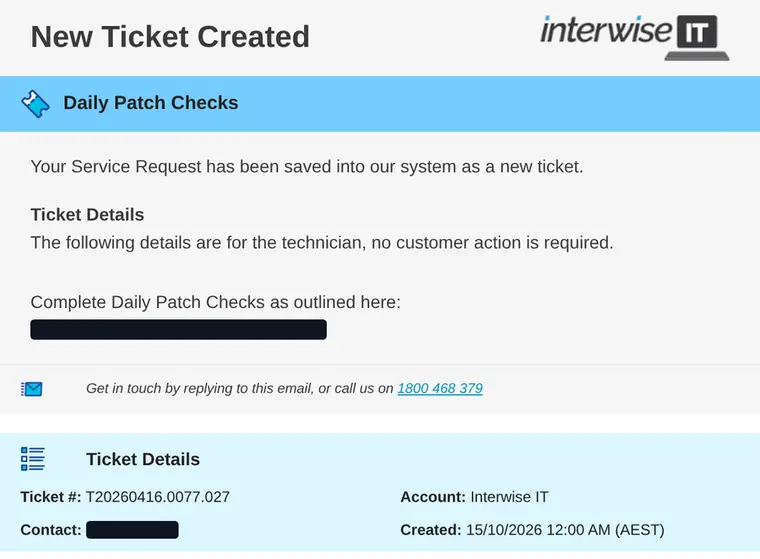
Logged as a ticket
Every request gets a ticket number, so nothing is lost.
Triaged by urgency
What is stopping work goes first, against your plan's response target.
Picked up and fixed
The right person owns it and follows it through until it is fixed.
What you see
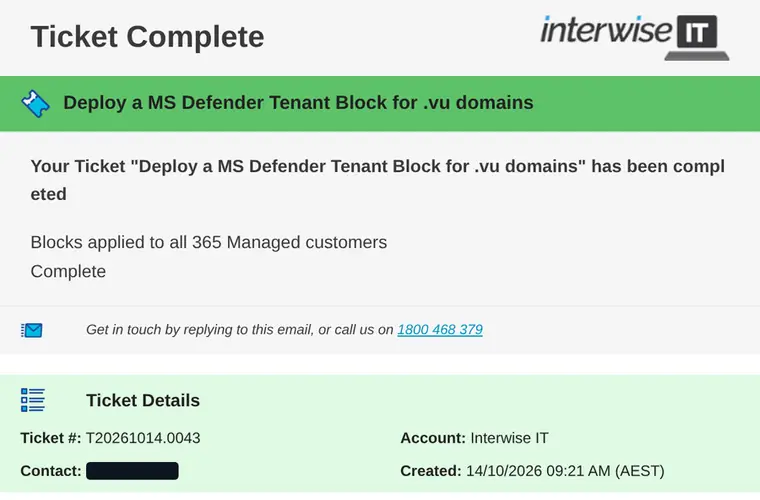
A ticket number when you ask. A note when it is done.
Logging a good ticket
Help us fix it faster.
Who is affected
Just you, your team, or the whole office?
What you were doing
The app or website, and what happened when it went wrong.
Any error message
A screenshot is perfect.
How urgent it is
Can people still work, or is it stopping the business?
Questions
Straight answers.
Something else? Call 1800 468 379.
What are your support hours?
Our helpdesk runs 7:30am to 4pm weekdays. Urgent work after hours, on weekends and Queensland public holidays is available at after-hours rates, with a 1-hour minimum. We agree it with you before we start, unless a critical issue can't wait and we can't reach you. Your devices are monitored around the clock. Alerts outside helpdesk hours are picked up the next business day unless you've approved after-hours work. With Security Pro, Huntress's security team also watches your devices 24x7 and can isolate a compromised device at any hour.
Can I check on an existing ticket?
Yes. Reply to any ticket email, or call us with your ticket number.